# Adding a Hero image to the home page
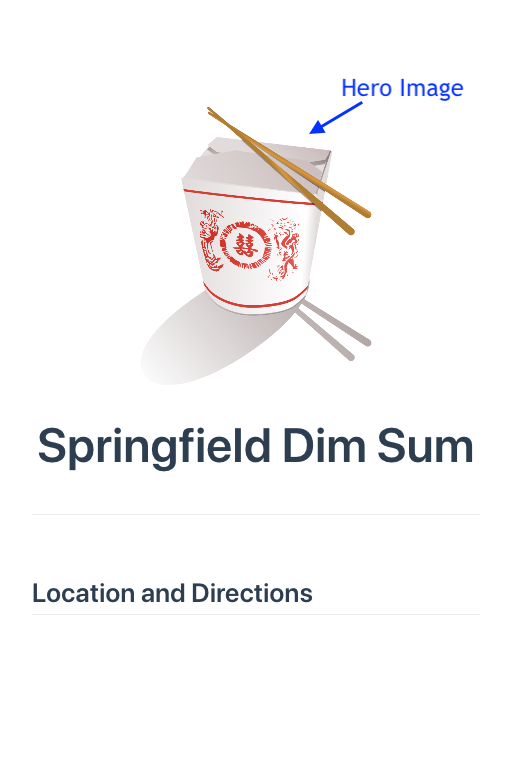
Another feature you can add to a home page using the VuePress default theme is a big, defining picture called a hero image.
You add the hero image using YAML just like the heroText header added in the previous section.
Here's an example:
# The Hero image goes in the public directory
The default theme looks for its hero image not in the /assets/img
directory but in the /.vuepress/public directory.
- Add the YAML line
heroImage: /springfield-dim-sum-800px.png. The default theme looks for its hero image the public directory, which is found in./vuepress/public.
The next thing to add is the directive heroText: Springfield Dim Sum.
- Update your README.md file to look like this:
---
home: true
heroText: Springfield Dim Sum
heroImage: /springfield-dim-sum-800px.png
---
The results immediately appear, assuming you're still running vuepress dev inside your project directory:

Thanks to gnokii at openclipart for this image.